Your Mugam explains the idea.
A prepared avatar clip plays over slides, diagrams or video, with a transparent background. The creator has already shaped the script, voice and visual explanation.
 mugam.study
Try a lesson
mugam.study
Try a lesson
Your Mugam explains, then pauses for a question. Thoughtfully prepared avatar lessons turn your TV into a place to get curious.
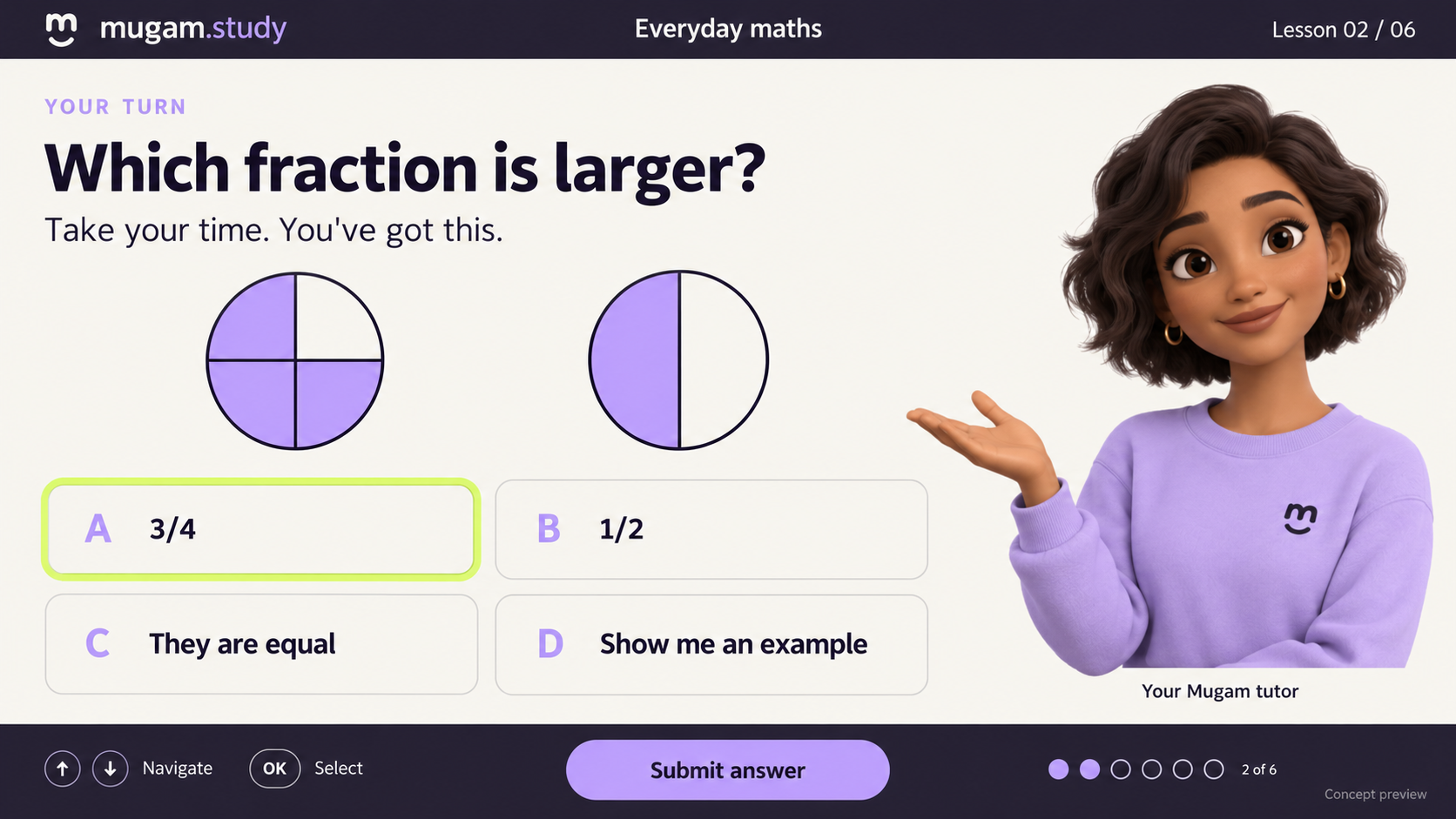
First, your Mugam explains. Then it’s your turn.
AI-generated question checkpoint concept. The course player is being developed.
Follow a series of avatar explanations, with questions placed between them. Each scene and checkpoint is prepared as part of the course.
A prepared avatar clip plays over slides, diagrams or video, with a transparent background. The creator has already shaped the script, voice and visual explanation.
At a checkpoint chosen by the creator, the explanation pauses and a questionnaire replaces the canvas. Choose an answer with your TV remote, at your own pace.
Your answer leads to the next prepared avatar scene or a simpler explanation and another try. More teaching, with more questions along the way.
Start with a prepared explanation, answer a question, then continue to the next idea. Try either answer to explore its follow-up.
Text preview of curated avatar scripts.
The full course will play rendered avatar clips.
No account or answer tracking.
“Imagine a pizza cut into four equal slices. Each slice is one quarter. Two slices make half the pizza. Three slices make three quarters—one more slice than half.”
In the course, your prepared avatar would explain this over the lesson canvas. A question follows at the creator’s chosen checkpoint.
Choose an answer. A prepared explanation awaits each one.
“We can use quarters to talk about time, too. An hour has 60 minutes. One quarter is 15 minutes, so three quarters of an hour is 45 minutes.”
The next prepared avatar scene builds on the idea. Further question checkpoints appear as the course continues.
Curate the explanation.
Bring it to life with Mugam.
During course creation, our team will choose the avatar and voice, write and approve each explanation, then render and review the speaking clips—following Mugam.site’s approach to preparing avatar content.
Creators will pair those clips with the lesson canvas, place questions between explanations, and prepare the right-answer and wrong-answer paths. Students then follow the published course at their own pace.
Start with a course in your browser. Link your Fire TV, pick up the remote, and continue where you left off.
One account. Your courses. Your progress. A Mugam to guide you through the next idea.
Planned experience. Account signup and courses are not available yet.
Not yet. Mugam Study is in development. This page shares our direction and an illustrative question flow; the complete course platform is still being built.
During course creation, the curator chooses the avatar and voice, approves the narration, and reviews the rendered clips alongside the slides or video. The published course plays these prepared explanations, with questions placed between them.
The initial experience is self-paced. A Mugam avatar plays explanations prepared and approved during course creation. Your answers choose among the course’s prepared paths, so you can learn without a scheduled live class.
The planned course flow takes you to a relevant explanation or simpler example, then offers another chance to practise. Curators define these paths in advance.
Our first TV learning experience is designed for the remote. A phone or computer will help you link your account; a camera or microphone will not be required for taking the course.